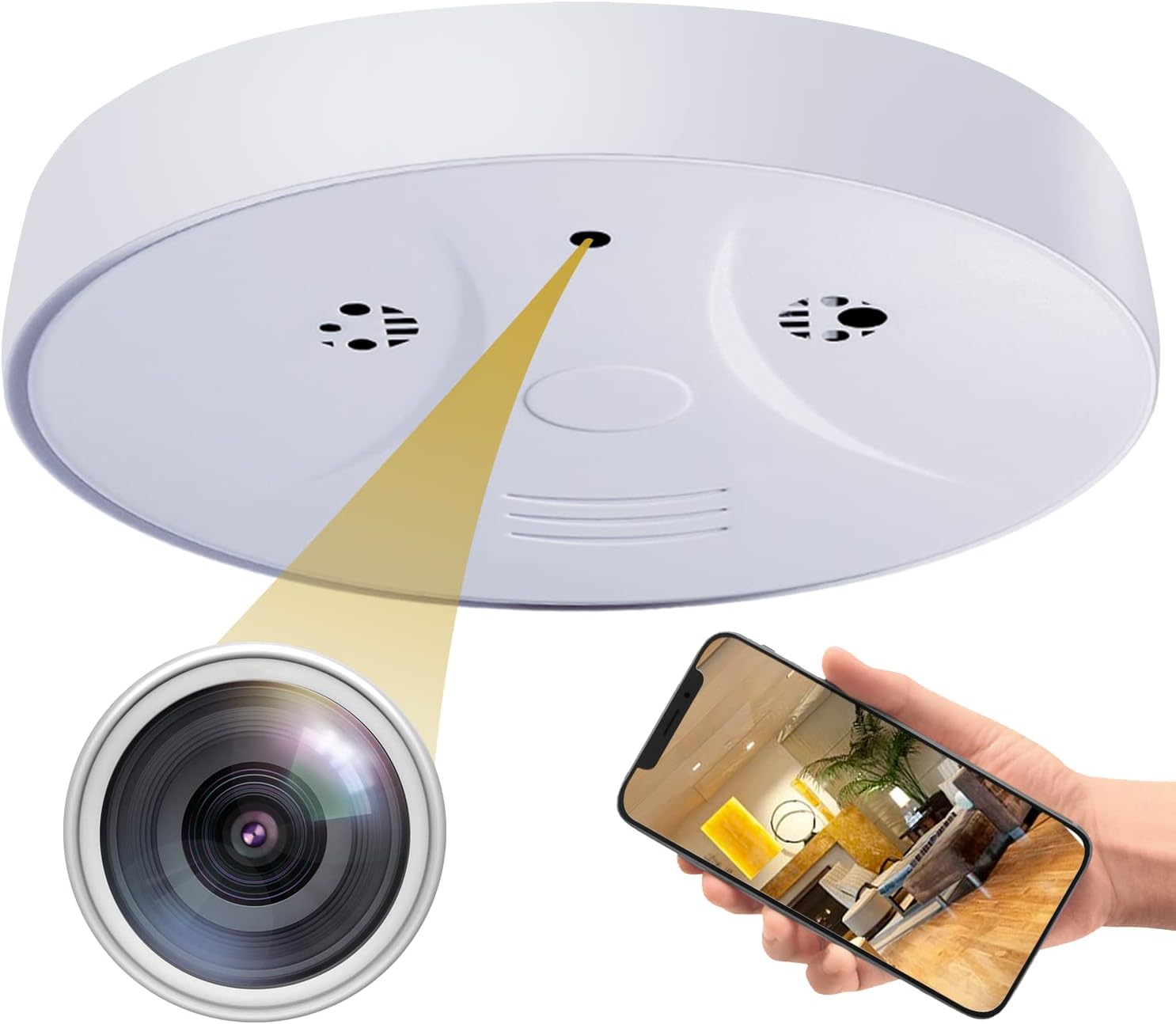
Security Camera Smoke Detector: Size of the security camera only is 31mm * 34mm * 31mm / 1.2 * 1.34 * 1.2 inches. So that the mini security camera can be placed at home, office, car, courtyard, indoor corner, drone, outdoor, or even on the pocket or collar.
HD 1080P With Night Vision: The indoor camera adopts high quality lens and the pixel can reach 1080P. The infrared LED light of the camera on the body can capture more details at night or in low light conditions, presenting a wider range of high-definition images.
24/7 Loop Recording: Built-in large-capacity battery, fully charged, can work continuously for 3-4 hours. If you want it to work longer, you can get it plugged in to USB port to have it work continuously.
Smart Home Camera: After you wirelessly equip the home security camera system with an SD card, when the phone is not checked, it will automatically store the information in the SD card.
All in One Wireless Indoor Camera:Although the camera is quite small, it comes with all useful features you need for a surveillance camera: 150° Wide Angle, Built-in Magnet, Playback/Snapshot/Record Remotely, iOS and Android Compatible, Live Stream from Anywhere, Free App, One App Multiple Camera, One Camera Multiple Users and More.
The Mini Home Camera Featuring:
●HD 1080P Video
●120° Wide Angle Lens
●Motion Detection
●Night Vision
●Recording while Charging
●Built-in Rechargeable Battery
●One App Multiple Cameras
●One Camera Multiple Users
●New App
●Recording of SD Card (Max 128GB. Not Included)
How To Use?
1. Scan the QR code on the manual, download the application and install it. Connect the camera to the power supply for charging, and connect the phone to the 2.4G WiFi network.
2. Open the application and click [Add Device].
3. Click [AP Configuration].
4. Enter the mobile phone name and WiFi password connected to 2.4G WiFi (only 2.4G network is supported), and click [Next].
5. Configure camera WIFI
6. Click the back button to automatically return to the camera APP page, and wait for 5-30 seconds.
7. It shows that the network configuration is successful, click [Finish] in the upper right corner.
Package
1x Brand New Security Camera
1x Charging Cable
1x Instruction Manual