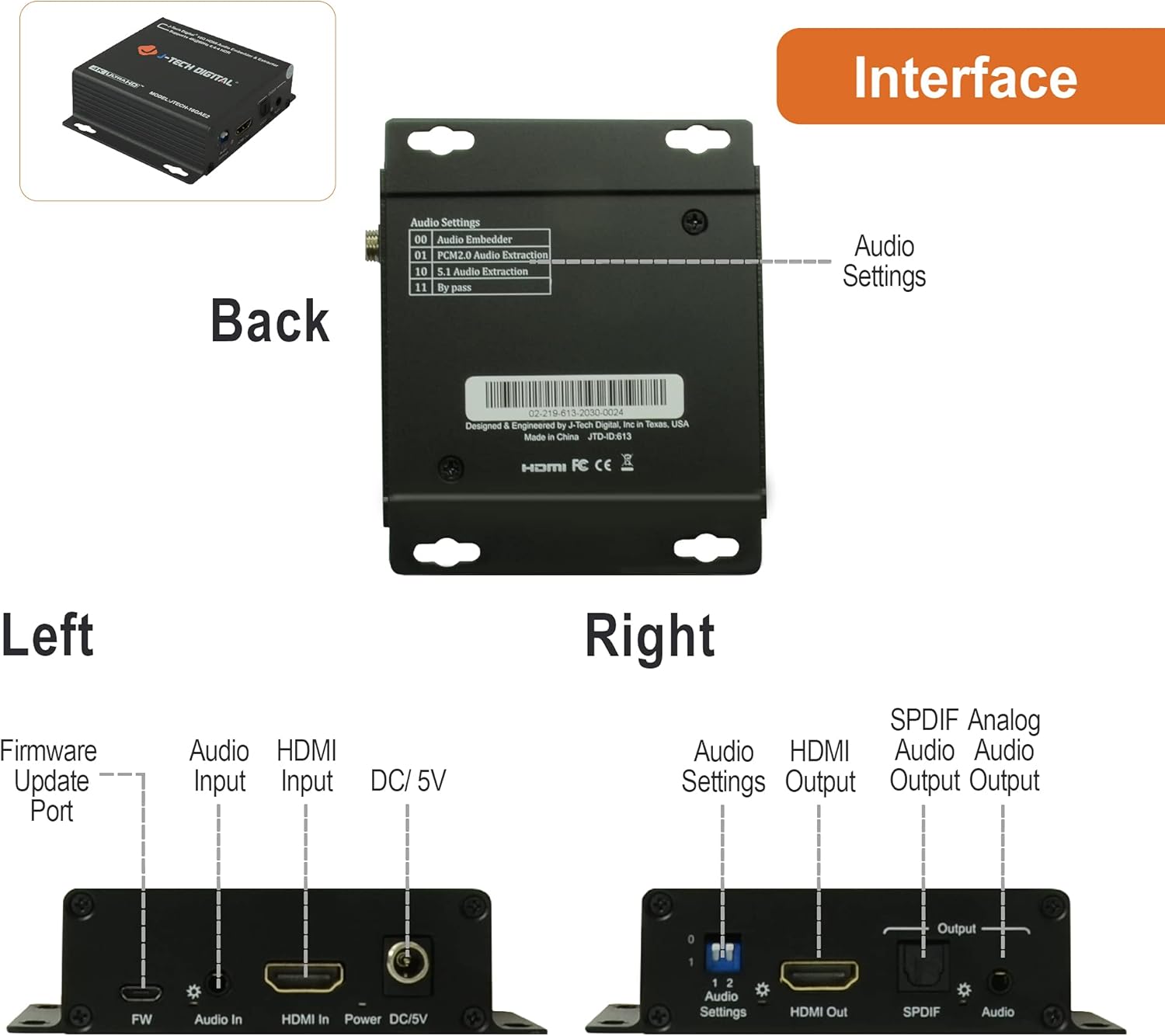
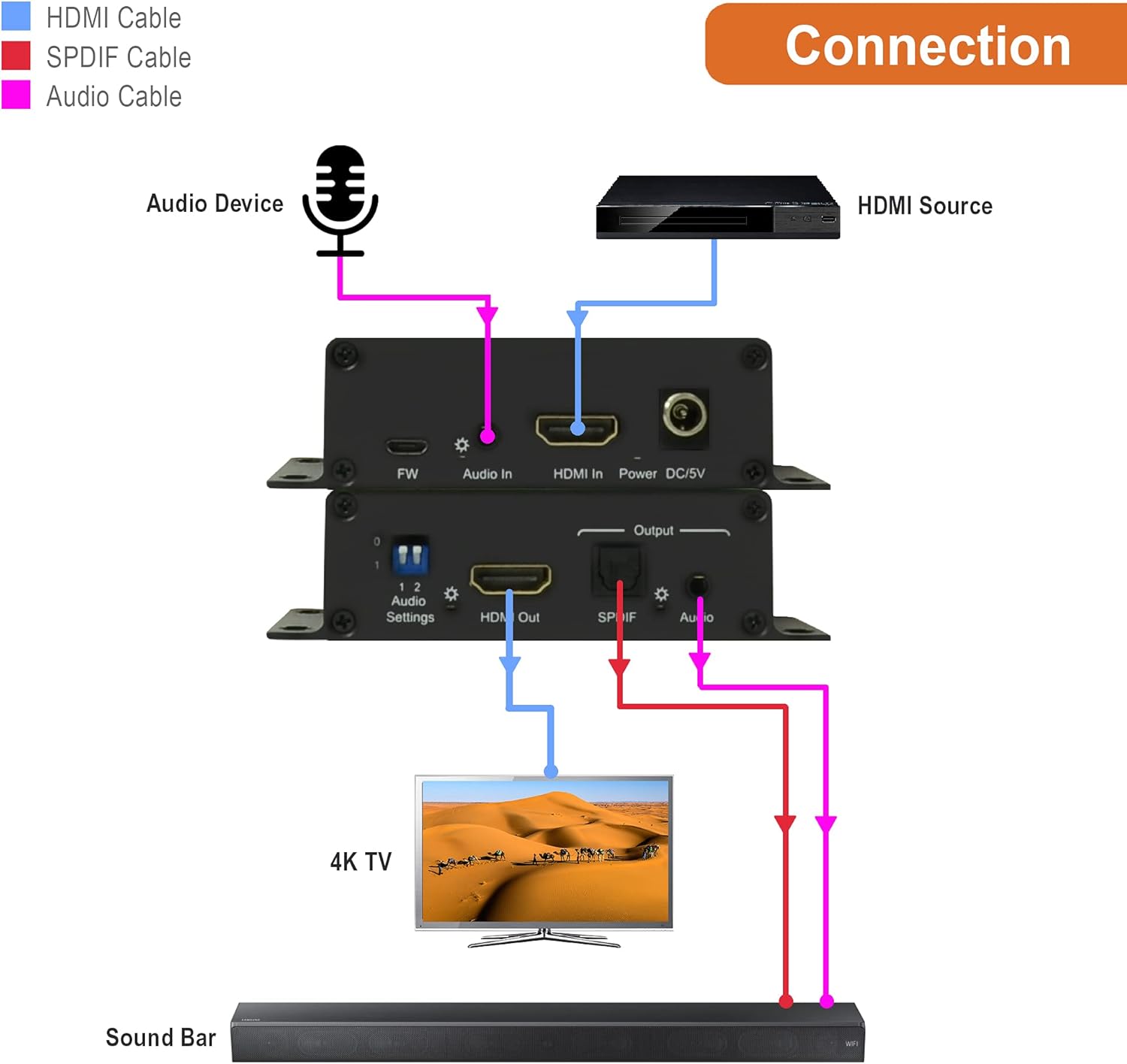
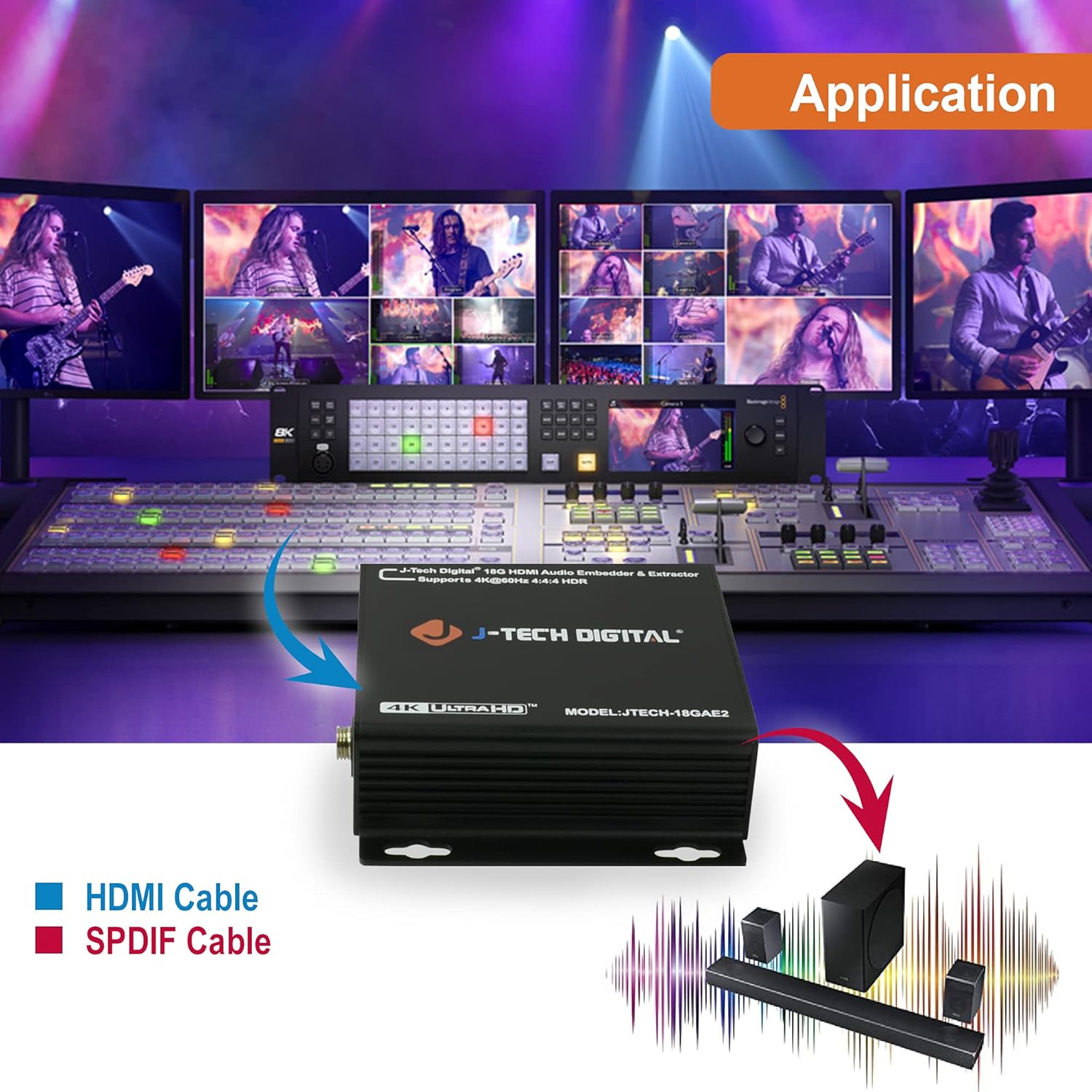
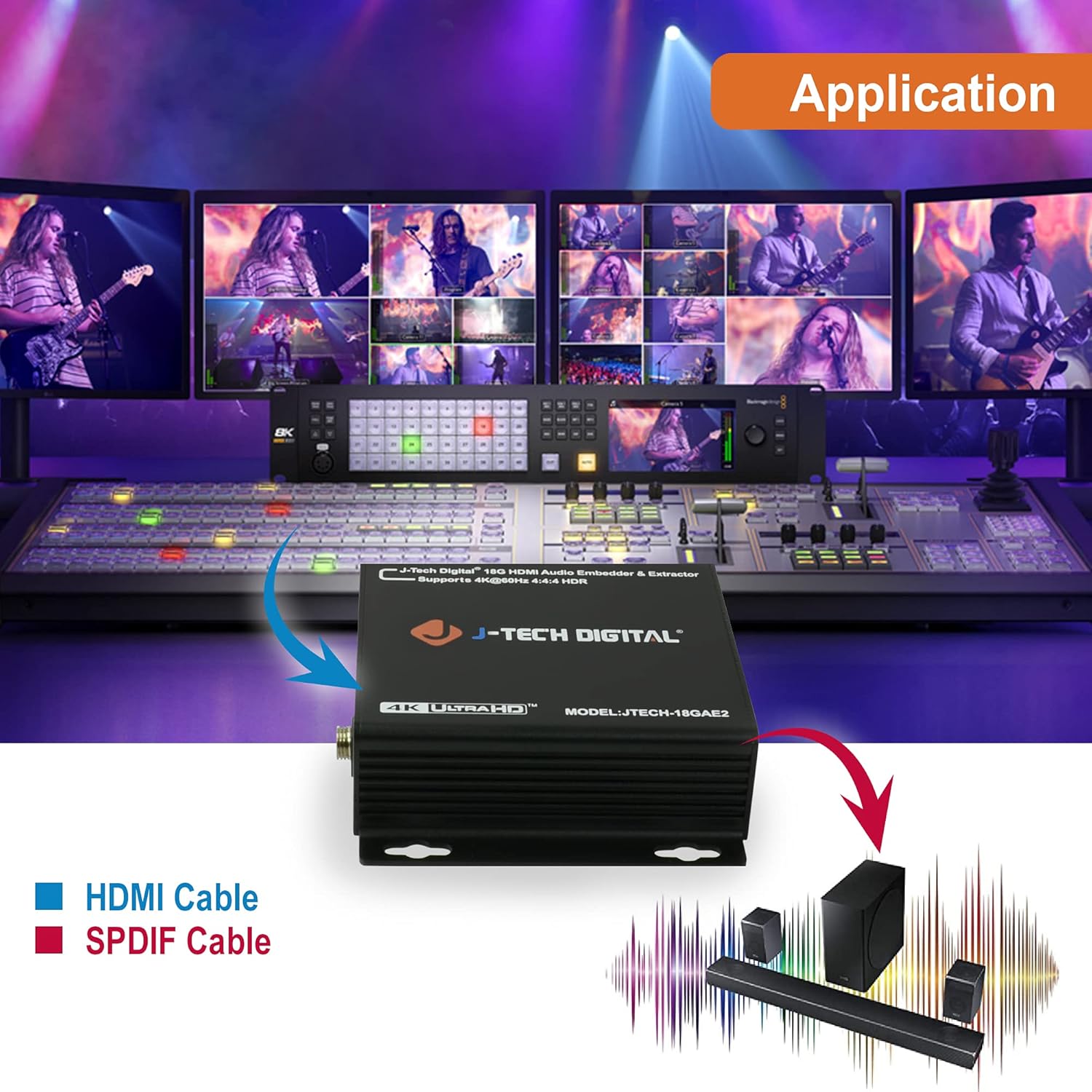
/ - – Use the HDMI audio extractor to de-embed digital audio signals from your HDMI 2.0 source device. Convert the extracted HDMI audio signal into an analog stereo (3.5mm) or digital optical (SPDIF) format for ultimate flexibility.
. | | | – Enjoy all of your 4K 60Hz HDR10, 1080p 120Hz, 1080p 144Hz content with no compromises. The JTECH-18GAE2 HDMI audio extractor is HDCP 1.4 and 2.2 compliant to ensure all full compatibility with all of the newest audio-video & streaming devices.
- Use built-in audio EDID settings (2CH | 5.1CH) or the EDID pass-thru function (TV) to optimize your HDMI audio extractor & AV system so you de-embed the correct audio format for your application.
| – Embed 3rd party analog audio into your HDMI signal or utilize the JTECH-18GAE2 extraction function to breathe second life into older AV equipment such as AV receivers and amplifiers that don’t feature HDMI inputs.
– All J-Tech Digital products include a One-Year Manufacturer Replacement Warranty and free lifetime technical support from our customer support team located in Sugar Land, TX. Support is available from 9AM – 6PM CST, Monday through Friday. Contact information available on our seller page.
|
| JTECH-18GAE2 | JTECH-EXD2 | JTDAT5CH | JTD4KATSW | JTD18G-H5CH | JTD18G-H5CH2 |
| Device Type | Audio Embedder + Extractor | Audio Extractor + Downmix | Audio Extractor | Audio Extractor | Audio Extractor | Audio Extractor |
| Dolby Decoding | No | Yes | No | No | No | No |
| Audio Embedding | Yes | No | No | No | No | No |
| Resolution | 4K @ 60Hz | 4K @ 60Hz | 1080P | 4K @ 30Hz | 4K @ 60Hz | 4K @ 60Hz |
| ARC | No | No | No | Yes | No | Yes |
| HDMI Ver | HDCP Ver | HDMI 2.0 | HDCP 2.2 | HDMI 2.0 | HDCP 2.2 | HDMI 1.4 | HDCP 1.4 | HDMI 1.4 | HDCP 1.4 | HDMI 2.0 | HDCP 2.2 | HDMI 2.0 | HDCP 2.2 |
| EDID Management | Dip Switch 2CH/5.1CH | Toggle Switch 2CH/Bitstream/TV | Toggle Switch 2CH/5.1CH/ADV | Toggle Switch 2CH/5.1CH/TV | Toggle Switch 2CH/5.1CH/TV | Toggle Switch 2CH/5.1CH/TV |