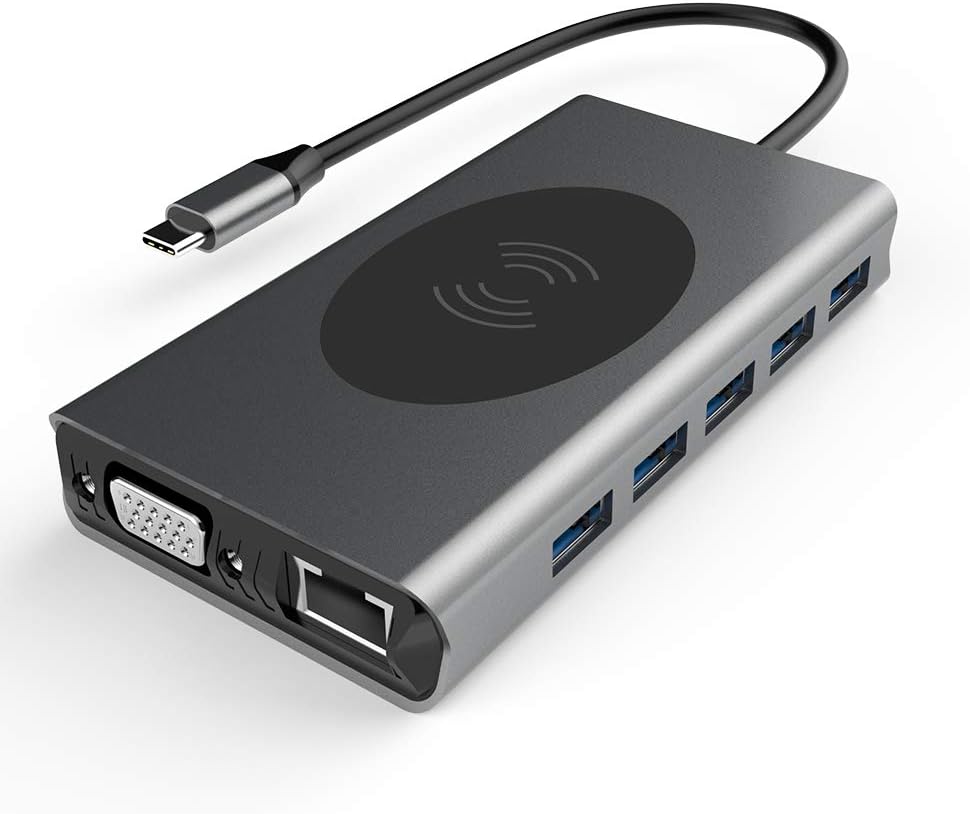
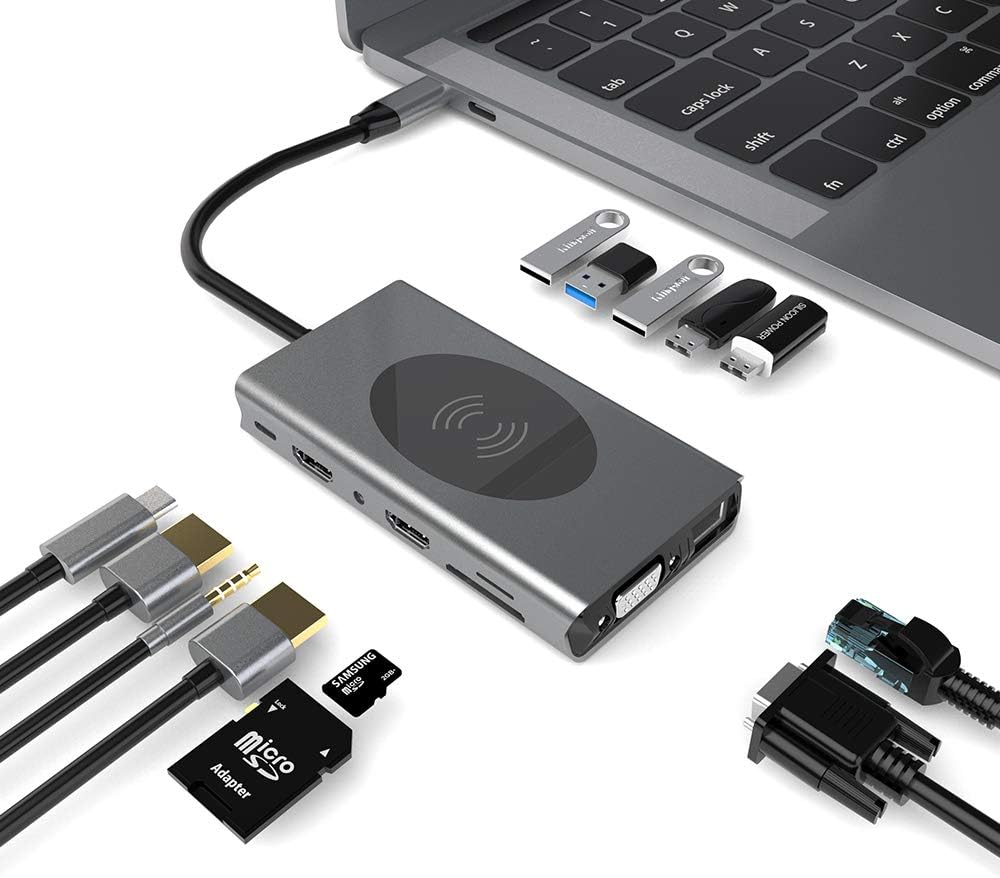
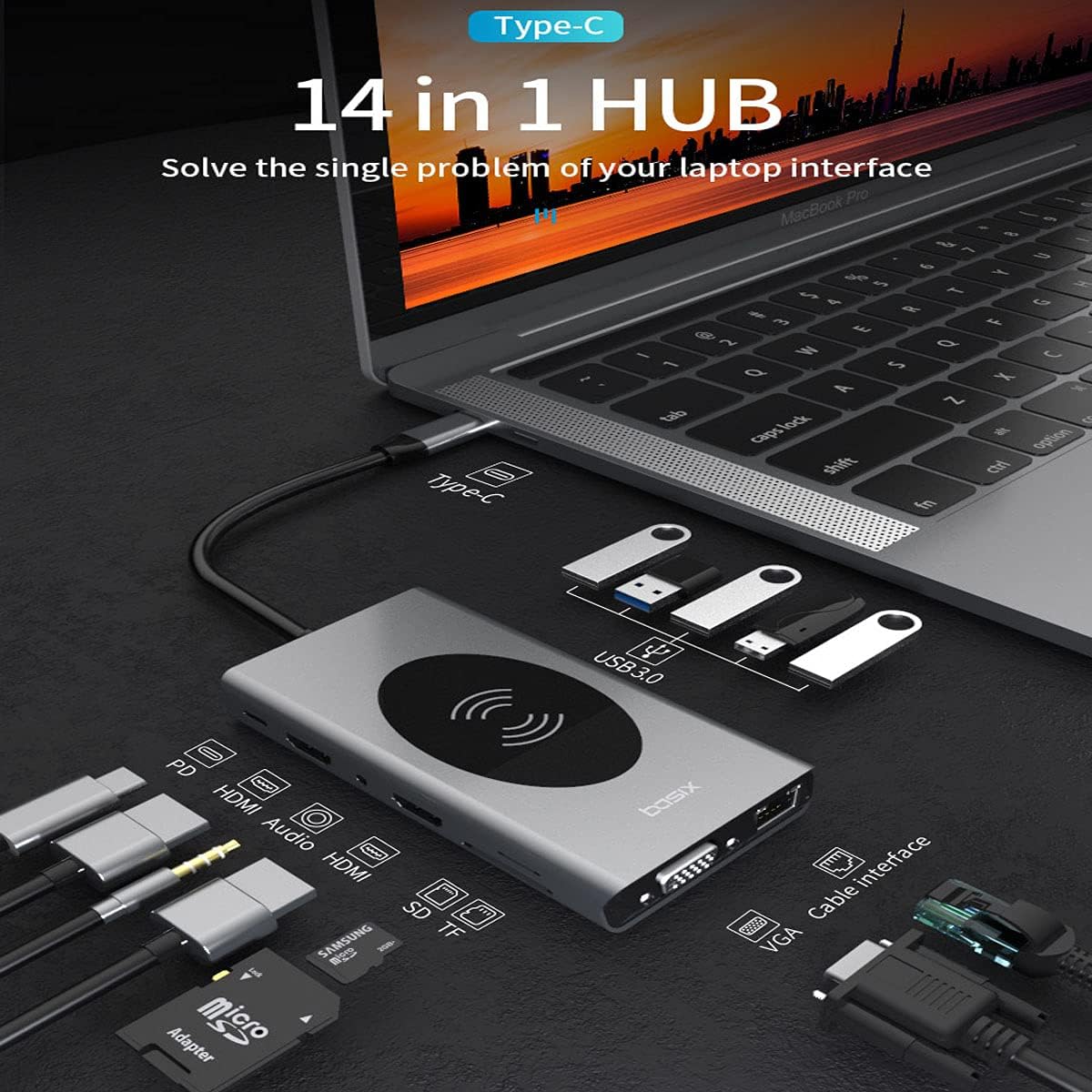
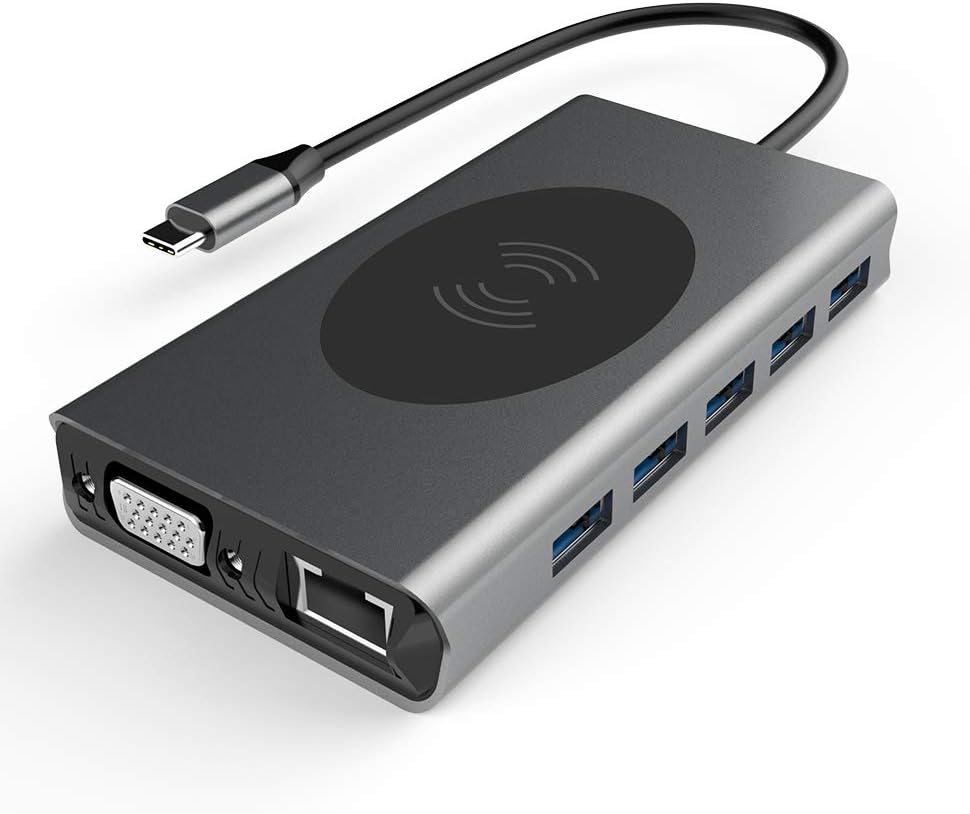
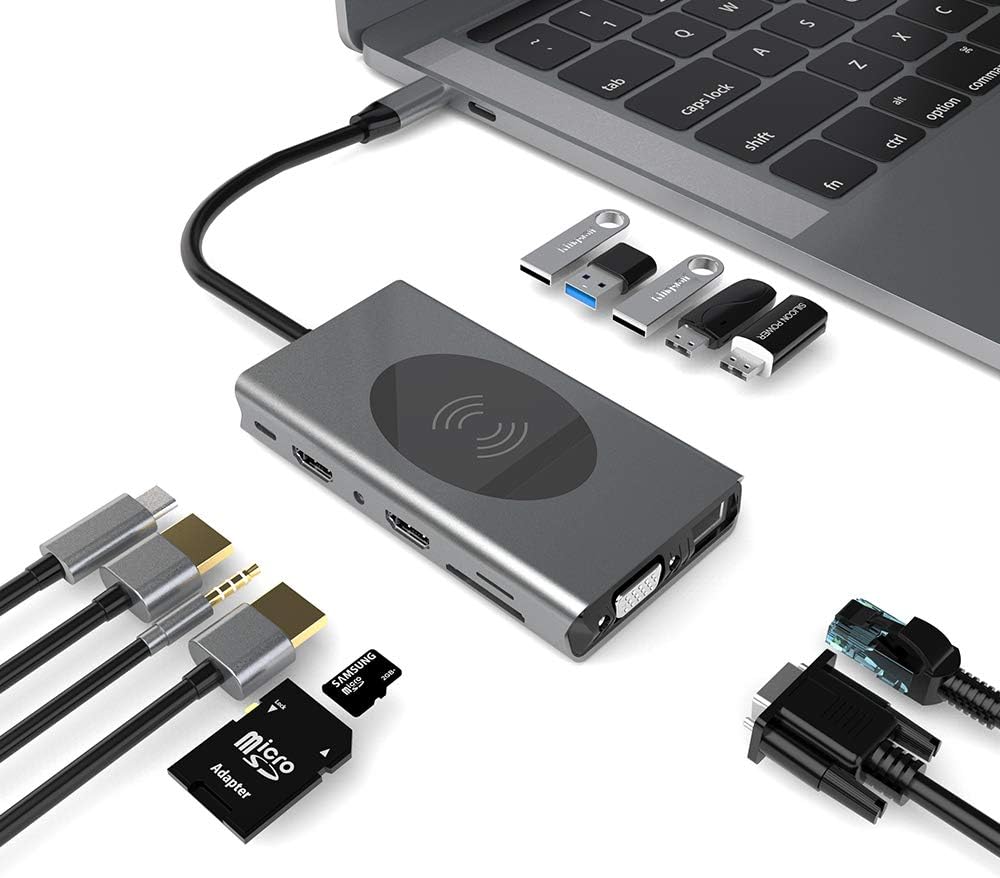
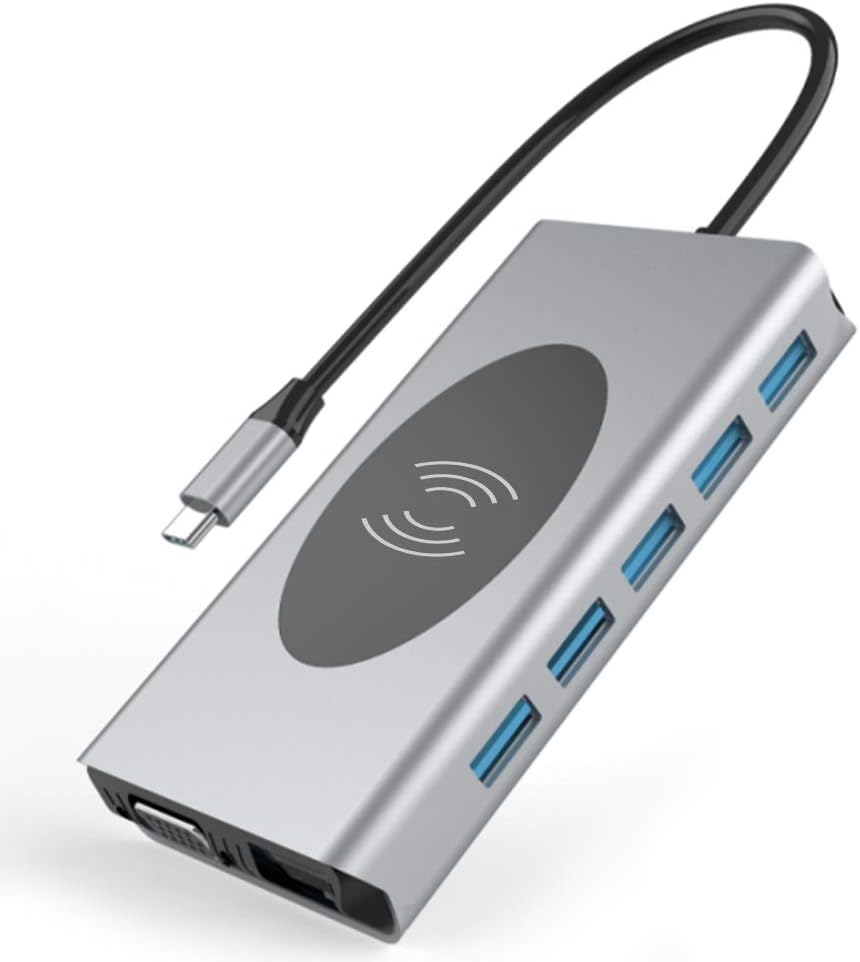
Plug-and-play and easy to use. No additional drivers required. Designed for USB C laptops
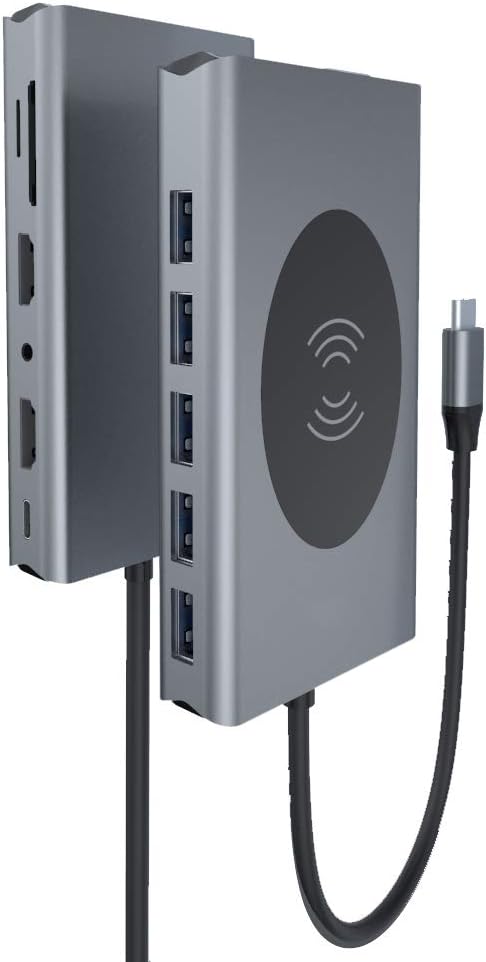
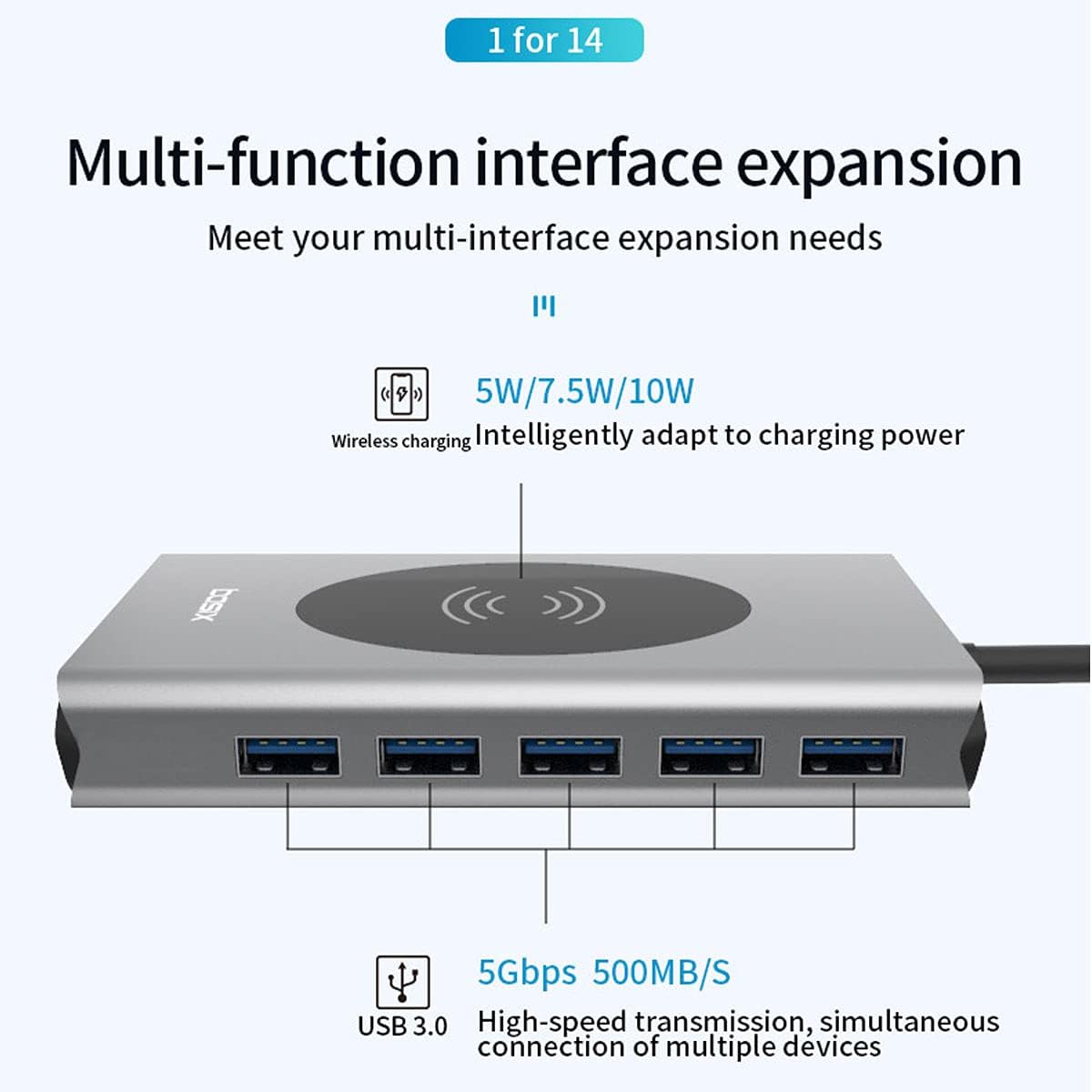
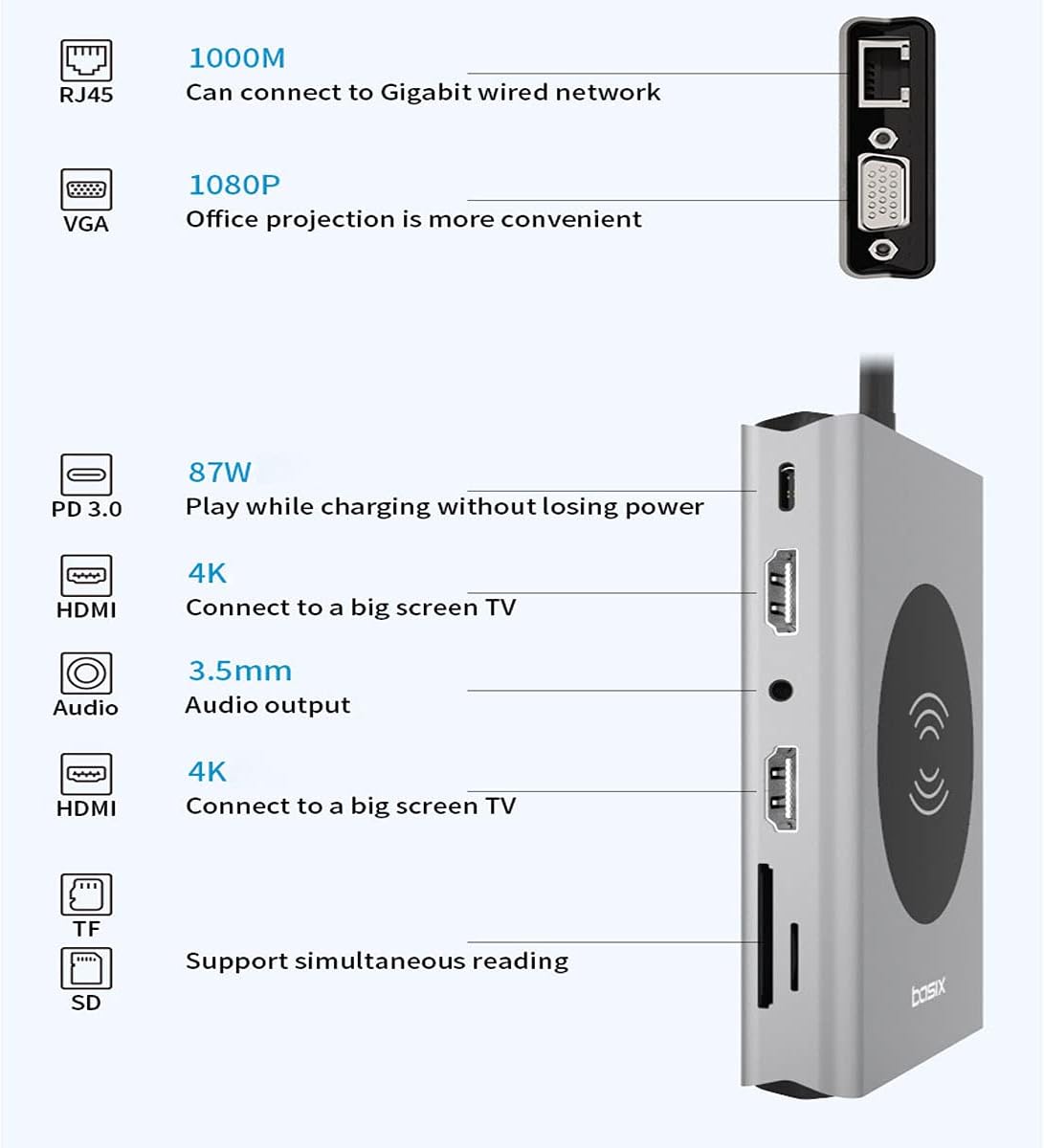
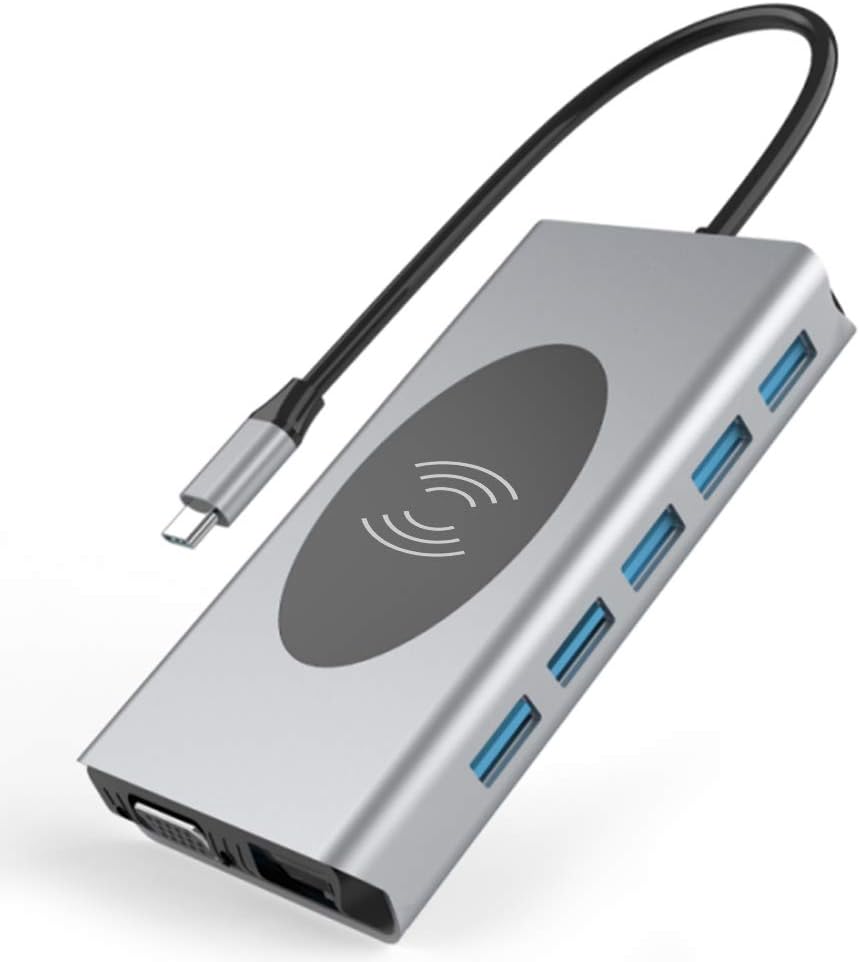
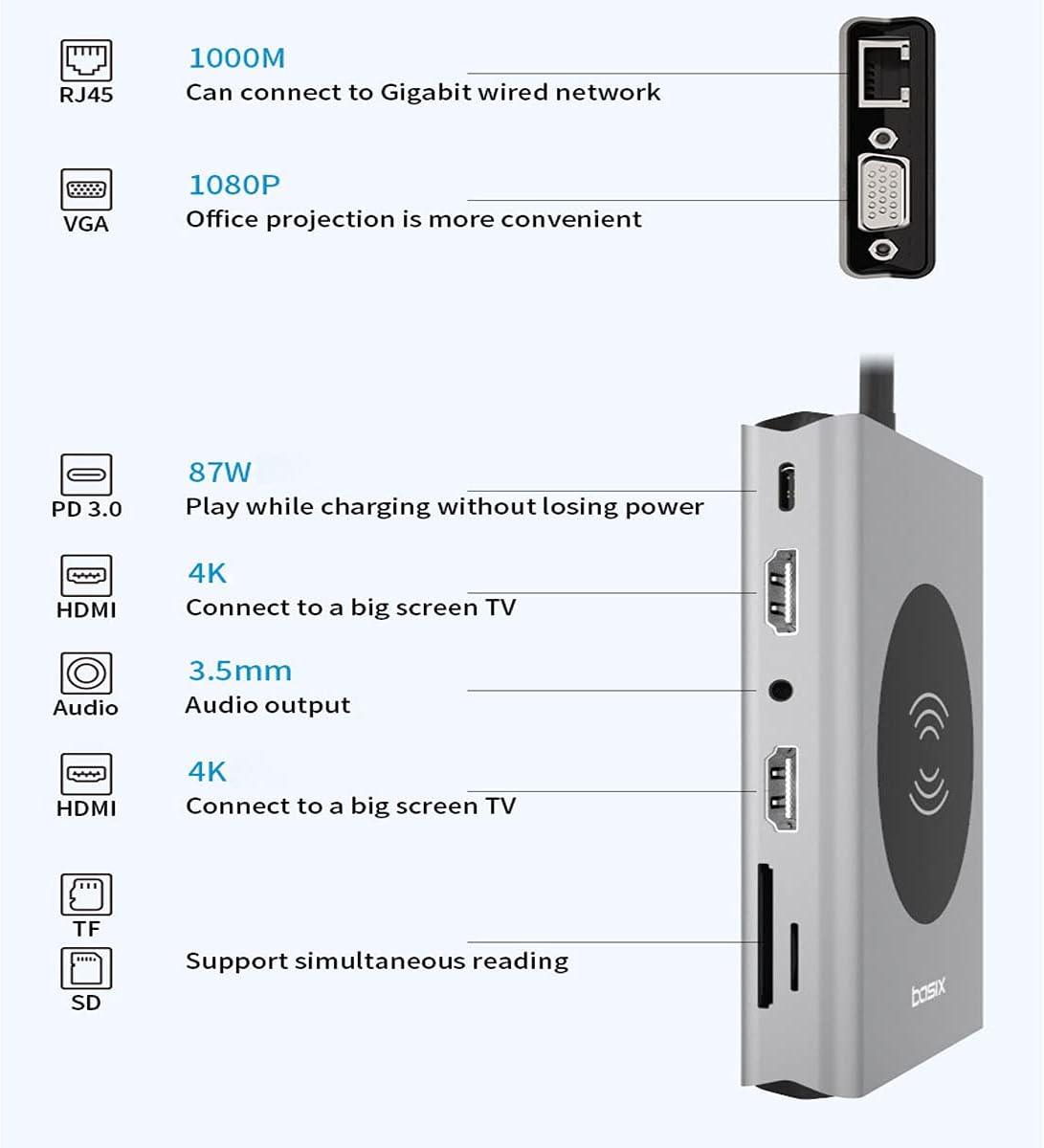
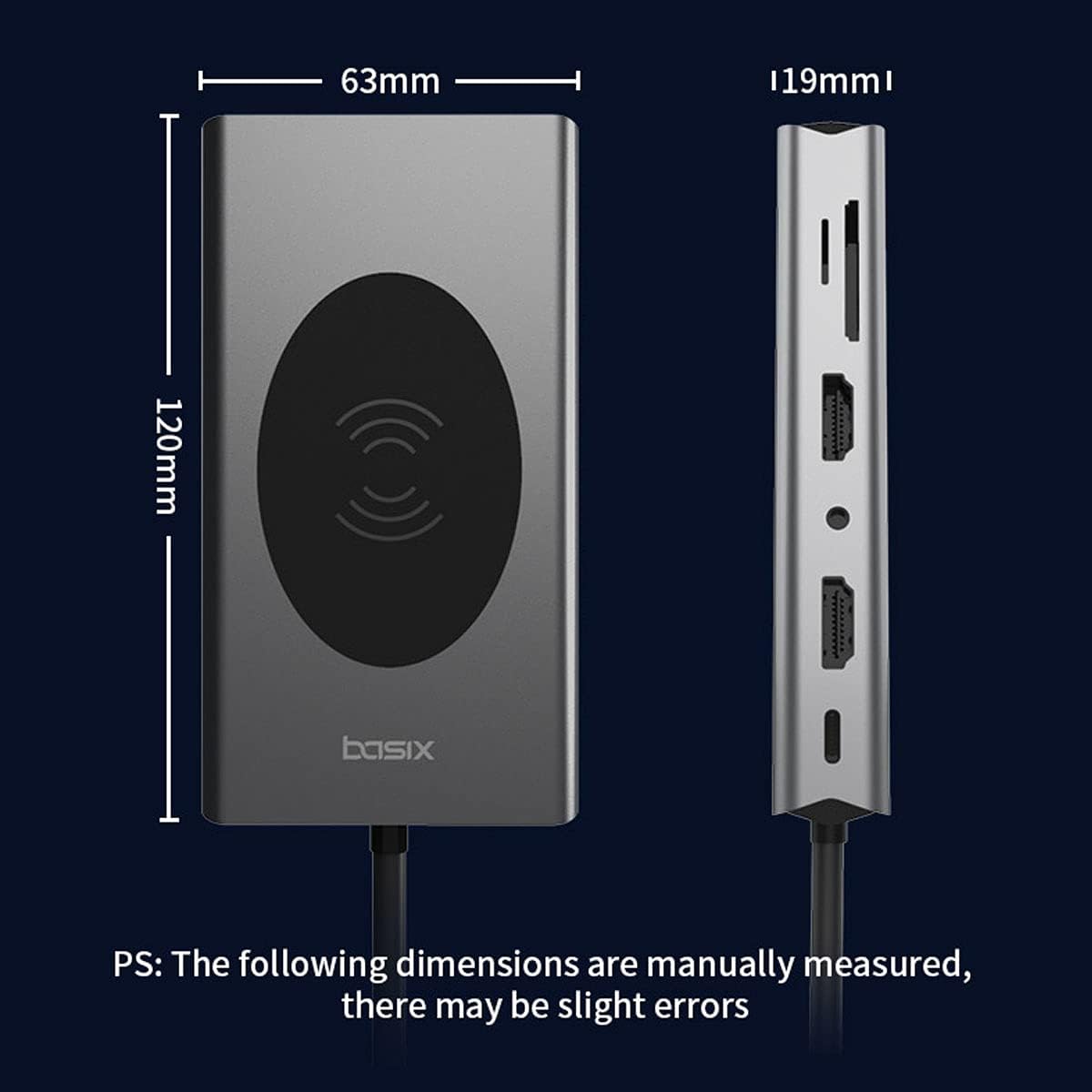
Expand your laptop with: dual HDMI 4K ports, 1080p VGA port, Gigabit Ethernet port, audio port, USB C PD port, SD and TF card reader, and five USB 3.0 ports phone wireless charging port * Reliable ultra-high speed data synchronization. Five 3.0 USB ports support transfer speeds up to 5Gbps.
[Ultra HD 4K Output and Triple Display] Use the USB C adapter to mirror or extend the screen. HDMI port streams 4K Ultra HD or Full HD 1080P video directly to an HDTV, monitor or projector, creating a cinema-like visual feast. Only Windows system supports MST, MST,Mac OS is not supported. Screen switching shortcut. Windows+P
Efficient power output and data transfer: 87W (max power: 20V/5A output) USB-CPD charging port for charging laptops and other connected devices.
Outstanding features. USB-C docking station is perfect for business trips, travel, data collection or design projects, helping you save space and making it easy to use. Perfect for connecting your external monitor or screen for presentations. Compatible with laptops, smart Android phones, tablets or any device that includes a Type C port.
Three-screen display for Windows systems Settings. Please click Intel Graphics Settings for multi-screen setting or hotkey. windows P
Note 1: When three monitors are connected at the same time, the resolution can only be up to HDMI: 1920*1080/60HZ. VGA: 1366*720@60Hz
Note 2: Of the four screens (monitor and laptop), only three can be displayed. There will be one can not be displayed (monitor or laptop).
Note 3: Once your laptop is turned off or put to sleep, you will need to re-insert the product to re-enter extended mode.
MAC OS system three screen display
Settings. About this machine > Display > Arrange > Mirror display
Note 1: When MAC OS needs to extend the display, you need to click "Display" in Preferences, select Arrangement, and then click to cancel "Mirror Display".
Note 2: Mac system only supports Mirroring mode and Non-Mirroring mode. Non-mirrored mode means the three external displays are the same, but different from the laptop.
High Resolution
USB C docking station includes 2*4K HDMI ports (up to 3840*2160@30HZ) and 1*VGA port (up to 1920*1080@60HZ).
Audio transmission requires HDMI output, USB C docking station dual display only converts HDMI audio to analog. VGA only transmits video, not audio.
Simultaneous charging and use
Use allows up to 100W of direct charging. Actual output depends on the adapter used, (for Type-C laptop or Type-C smartphone charging) up to 85 W. Power your devices even if multiple peripherals are connected and working properly. Power is shared between the hub and the connected devices.
High-speed Ethernet up to 1000 Mbps
The USB C docking station gets high-speed network connectivity on your USB-C devices.
Full 10/100/1000 Mbps Gigabit Ethernet performance is provided through the RJ45 Ethernet port, ensuring you get a stable w